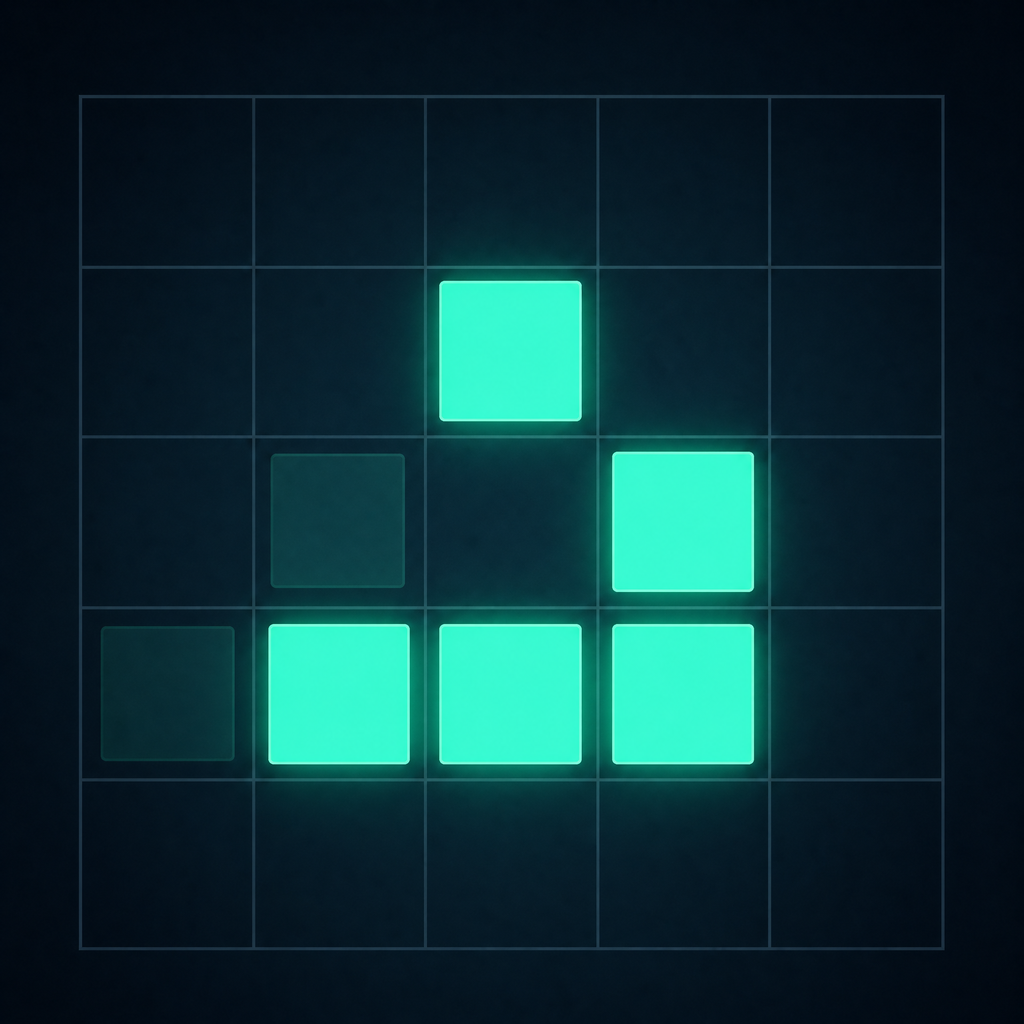
Game of Life
Draw, run, and watch life evolve.
Draw cells on a grid and observe the still lifes, oscillators, and spaceships that emerge from Conway's Game of Life at your preferred speed on iPhone or iPad.
Languages
The app interface is available in English and Japanese. It follows the language selected for the app in iOS Settings.
Getting started
On the Board tab, drag across cells to make them alive or dead. Use the center button to run or pause the simulation, or choose 1 Generation to advance it by a single step. Touching the board while it is running pauses it automatically.
Board controls
Random fills about 30% of the board, while Clear All empties it. The simulation stops automatically when every cell dies or the board reaches an unchanged state.
Built-in patterns
The Patterns tab includes blocks, blinkers, gliders, the R-pentomino, Diehard, Acorn, the Gosper glider gun, and more. Selecting one places it in the center of the current board in a paused state.
Settings
Choose a 20×20, 30×30, 40×40, or 50×50 board. You can also change the generation rate and toggle wraparound edges, generation trails, and haptic feedback.
Data storage
Your current board and settings stay on your device. No account or internet connection is required.
Contact
If a problem continues, email us with your device model, iOS version, and the steps that reproduce it.
Requires iOS 15.1 or later.